11. Skill Window & Skill Hotkeys
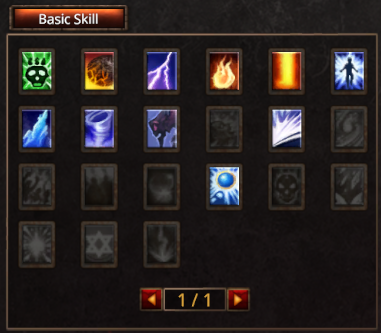
Open Skill Window
Press U to open the Skill Window
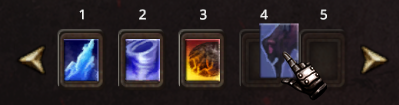
Assigning Skill Hotkeys
You can map your skills to the hotkeys in two easy ways:
-
Drag & Drop: Drag and drop the skill
to the Hotkey slot.
-
Quick Bind: Hover your mouse over the skill
and press Ctrl + [1–0] to instantly bind it
to that number.
Skill Window Overview
The Skill Window displays every skill tied to your character, showing both the abilities you’ve already mastered and the ones you have yet to unlock.
-
Skills that are ready for combat will be fully visible in the list.
-
Skills that are currently unusable will appear faded out or locked.
Skill Status
The status of a skill depends on specific usage conditions:
-
Learned Skills: Fully unlocked and ready to cast normally.
-
Unlearned Skills: Not yet mastered and cannot be used.
-
Requirements Not Met: Skills locked because you haven't reached the required stats or it belongs to a different class.
Weapon Skills
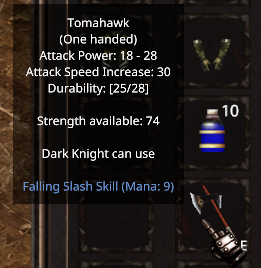
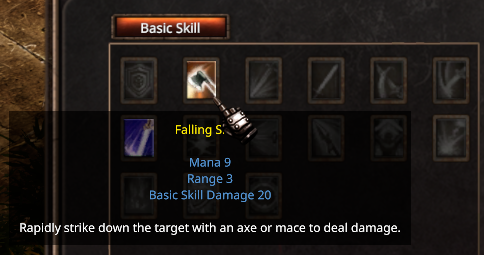
When you equip a weapon that has a unique skill, that skill will automatically pop up in your Skill Window!
-
As long as the weapon is equipped, you can use its unique skill in battle.
-
The moment you unequip the weapon, the skill will disappear from your skill window and can no longer be cast.